
Complete example
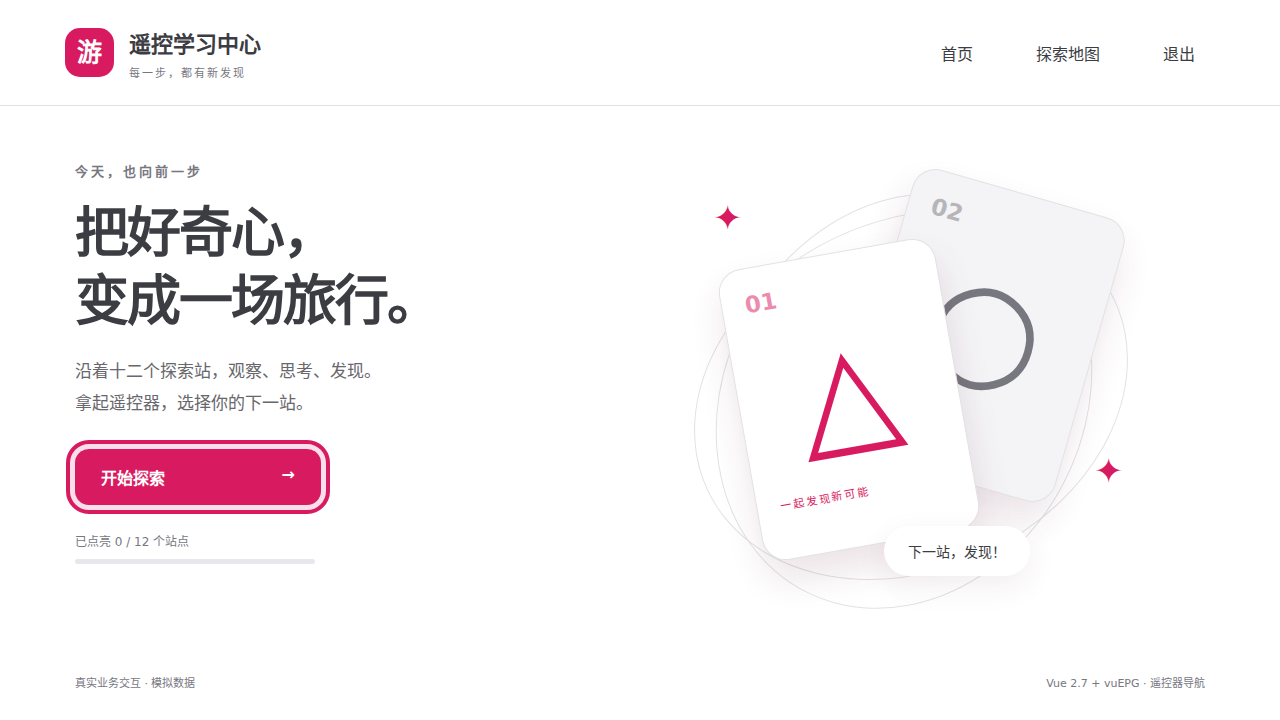
vuEPG includes the TV learning center as a complete example project that can be installed, run and copied independently. It supplies Vue 2.7, Vite / webpack development entries, ES5 builds, required polyfills and real Chromium 30 tests to help you get started with legacy Android 4.x operator set-top boxes. Its learning theme demonstrates input interactions using local data and simulated native keys. No backend is required.
 Open the complete example ↗
The example header links to the documentation and GitHub in a new window. The card track reserves space for focus outlines at both ends, keeping the last card fully visible during circular navigation.
Reusable interactions
The learning theme is just page content. Use the interactions for your own menus, cards or channel lists.
| Interaction | Try it | Implementation |
|---|---|---|
| Circular navigation | Left/right loop at list ends | Direction events and move() |
| Scrolling | Focus a card outside the viewport | v-epg-scroll on the real container |
| Page restoration | Enter an exercise and return to the same card | Saved ID and focus after mount |
| Dynamic lists | Filter completed content | Vue updates and group entry |
| Dialog | Open exit; directions stay inside | Boundaries and component Back |
| Focus restoration | Close and return to an available target | Save and validate the original target |
| Native keys | Android direction/Back controls | Native input |
Copy into your project
Download the source, copy examples/tv-training, and run inside that directory:
pnpm install
pnpm dev       # Modern browser development: http://localhost:5175/
pnpm dev:tv    # Legacy device development: http://COMPUTER-LAN-IP:5174/
pnpm build     # ES5 compatibility build
pnpm preview   # Production preview: http://localhost:4174/
It includes independent dependencies, type configuration, scripts, checks and AGENTS.md. It installs vuepg from npm and needs no parent files. Replace its pages and data for your application.
Vite serves modern-browser development. webpack handles legacy-device development and production. See Android 4.x integration for polyfills and troubleshooting.
Read the source
| File | Contents |
|---|---|
| app.vue | Pages, saved position, loops and filtering |
| focus-dialog.vue | Dialog entry, Back and invalid-target fallback |
| bridge.ts | Android mapping and listener cleanup |
| polyfills.ts | Language, DOM and Web API compatibility |
The example also loads whatwg-fetch so its webpack 5 hot updates can download the update manifest. This serves the example's development toolchain; vuEPG itself does not use fetch.
When developing vuEPG, root example:dev, example:dev:tv and example:build use the local built package. See Chromium regression for browser checks and Docker.